


My beta testers broke my app in the best way possible.
During beta testing, some users took a picture of their to-do list. No times. No schedule. Just a list of tasks. And SnapJournal didn't know what to do with it.

Process
- The Problem
- My Thought Process (4 Options)
- The Solution: Drag & Drop
- Conclusion
The Problem — Tasks Without Time
SnapJournal converts handwritten planner photos into digital calendar events. Calendar events need a time. That's how they work. So when a user photographs a to-do list with no times attached, the app has nothing to put on the calendar.
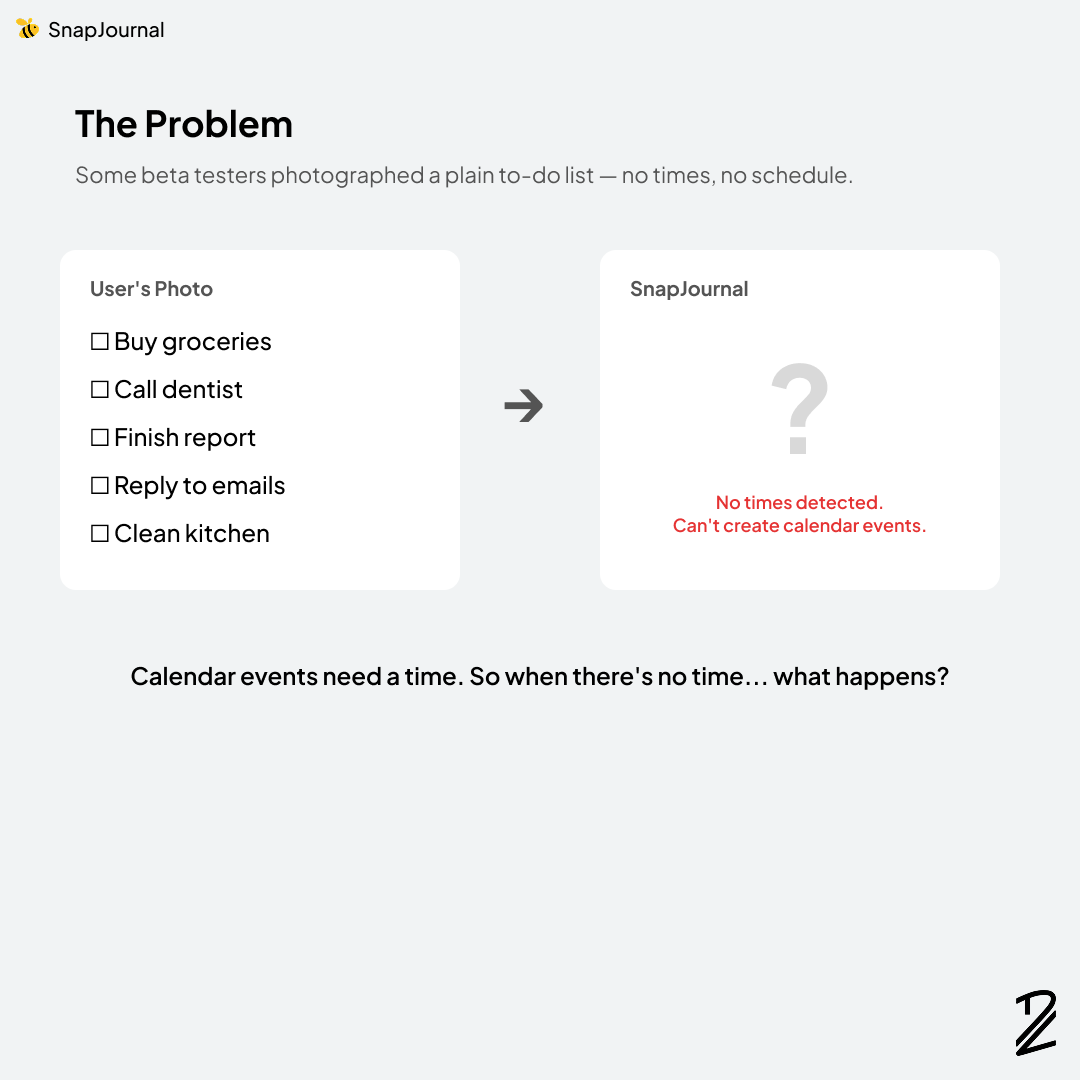
During beta testing, I realized this wasn't an edge case. Some people genuinely use their planners as to-do lists — no time blocks, no schedules, just a list of things they need to get done that day. Their expectation was simple: take a photo, and the app should handle it.
But "handle it" was the hard part.
My Thought Process — 4 Options
I spent a while thinking about how to solve this. Each option had trade-offs, and I kept going back and forth before landing on one.
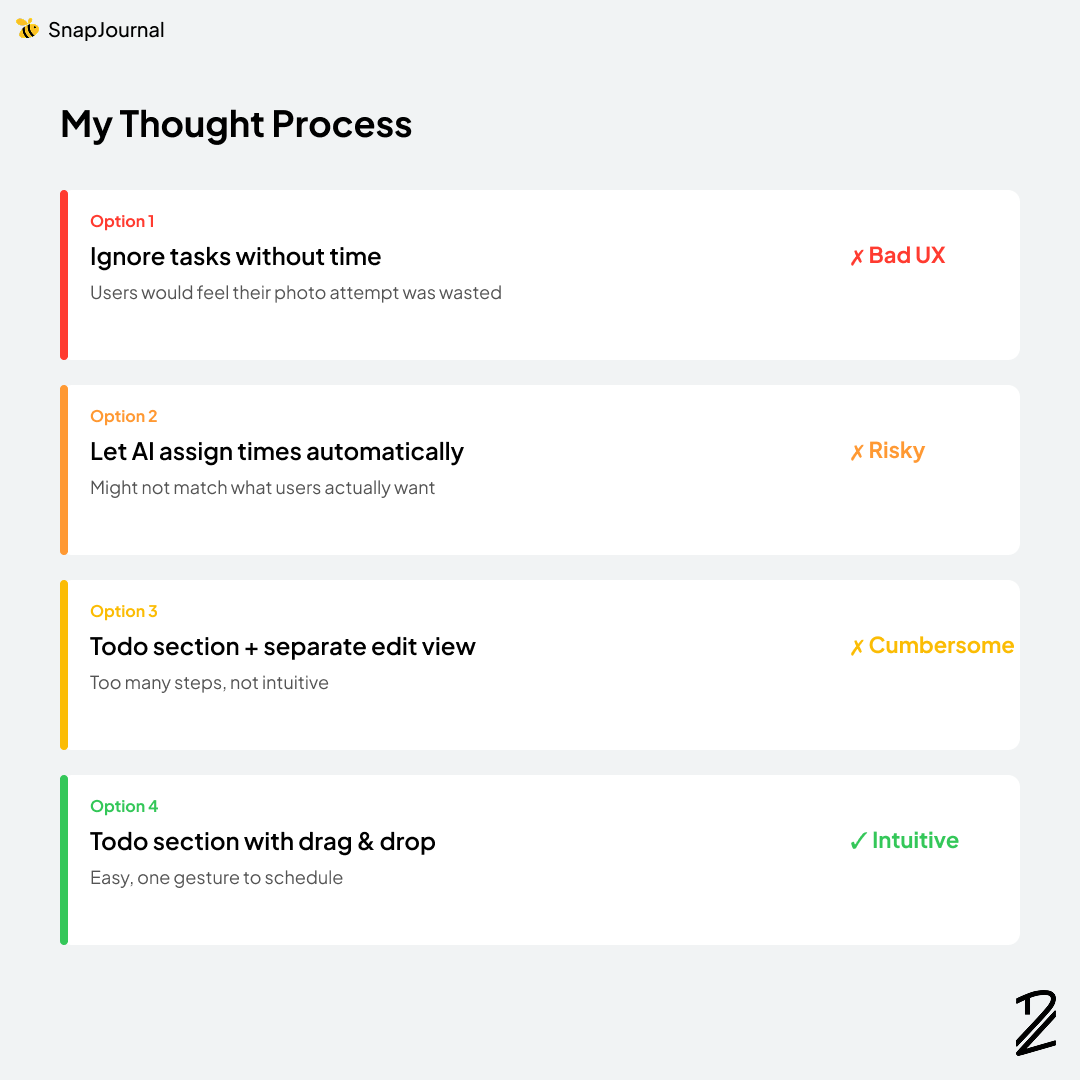
Option 1: Ignore tasks without time
This was the simplest technical solution — if there's no time, skip it. But from a UX perspective, this is terrible. Users took the effort to photograph their list. If the app silently ignores it, they'd feel like their attempt was wasted. That's the fastest way to lose a user.
Option 2: Let AI assign times automatically
This one was tempting. The AI could look at the tasks and assign reasonable time slots — maybe "Buy groceries" at 10 AM and "Call dentist" at 2 PM. But the problem is: that might not be what users want. Assigning times without asking feels presumptuous. If the AI guesses wrong, users would have to go fix every event manually, which defeats the whole purpose.
Option 3: Add a Todo section with a separate edit view
A more structured approach: detect tasks without times, put them in a Todo section, and let users tap each one to open an edit view where they can assign a time. This works in theory, but in practice it's cumbersome. Tap a task, open an editor, pick a time, save, go back, repeat. For five tasks, that's a lot of friction.
Option 4: Todo section with drag & drop to the timeline
This was the one. Detect tasks without times and show them in a dedicated Todo section. When users want to schedule one, they just drag it onto the timeline. One gesture. No separate editor. No extra screens.
I went with Option 4.
The Solution — Drag & Drop
Now when SnapJournal detects tasks without a time, they show up in a Todo section at the top. Users can see all their unscheduled tasks at a glance. When they're ready to schedule one, they simply drag it to the desired time on the timeline.
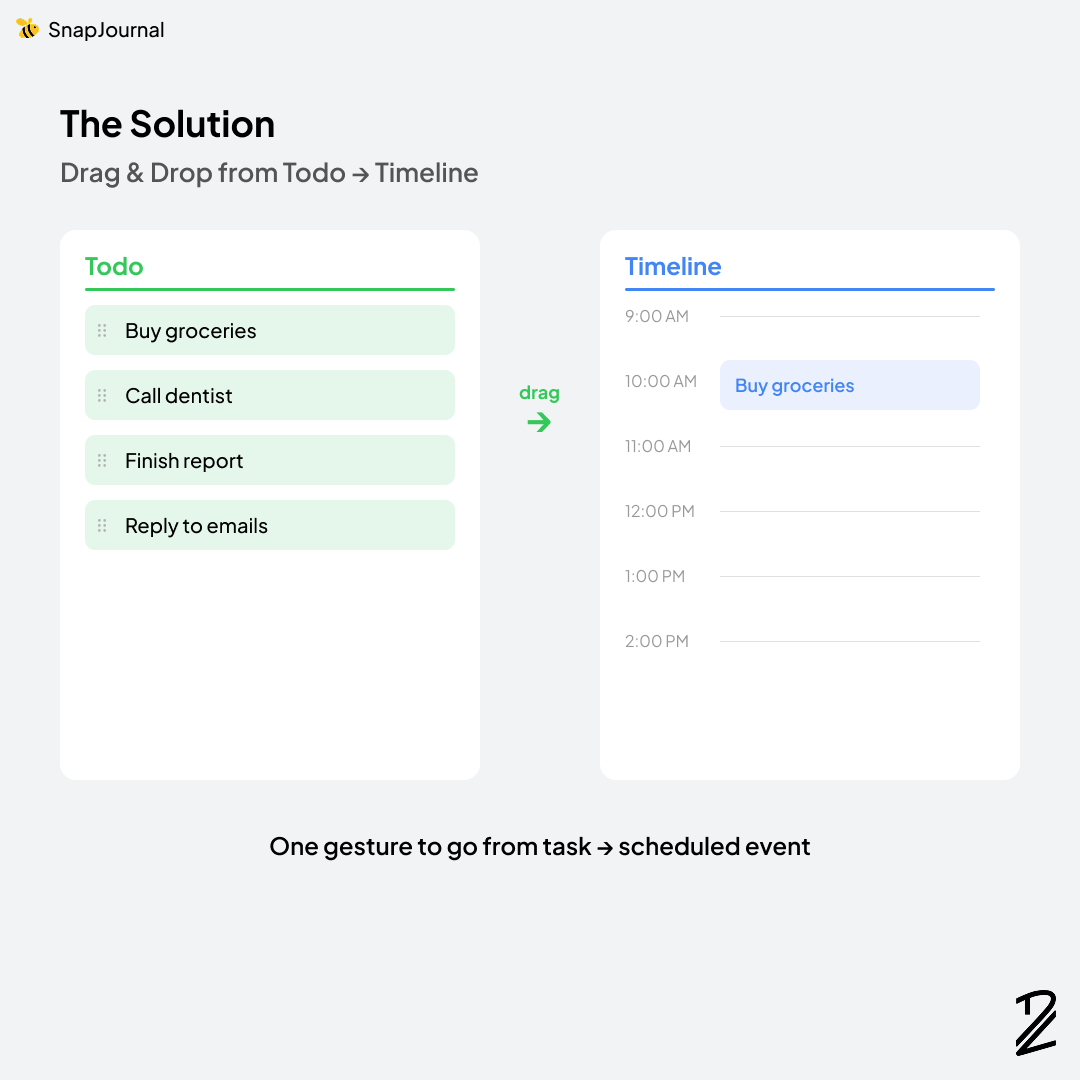
The beauty of this approach is that it respects the user's intent. They wrote a to-do list, not a schedule. SnapJournal recognizes that distinction. The tasks aren't ignored, and the app doesn't make assumptions about when they should happen. Instead, it gives users a simple, intuitive way to decide for themselves.
One gesture to go from task to scheduled event.
Conclusion
This feature came directly from watching real people use my app in ways I didn't expect. I built SnapJournal for planner users who write time-blocked schedules. But real users are messier than that. Some write to-do lists. Some mix both. And the app needed to handle all of it.
The drag & drop Todo section is now one of my favorite features — not because it was technically complex, but because the thought process behind it forced me to think about UX from the user's perspective instead of my own assumptions.
This is why you test with real users. They'll always surprise you.
Thank you for reading! If you've ever had to redesign a feature based on user feedback, I'd love to hear your story.
Download the app with this link: https://apps.apple.com/us/app/snapjournal/id6756394072